Would you like to sign out?

    Webinar
    Ongoing Registration In Progress Closed
    MIDAS CIVIL NX API Series
    Quick Start Guide of MIDAS Connector
        SESSION TIME WILL VARY PER REGION
    Location : Online (Webinar link will be sent to you)
    ✨ Overview

    In this comprehensive webinar, participants will gain a complete, hands-on understanding of how to effectively use M-Connector in conjunction with midas Civil NX for real-world engineering workflows. Rather than a high-level introduction, this session is designed as an end-to-end learning experience that guides engineers through every stage: from initial setup to practical implementation. 


    "WHAT IS M-CONNECTOR?"

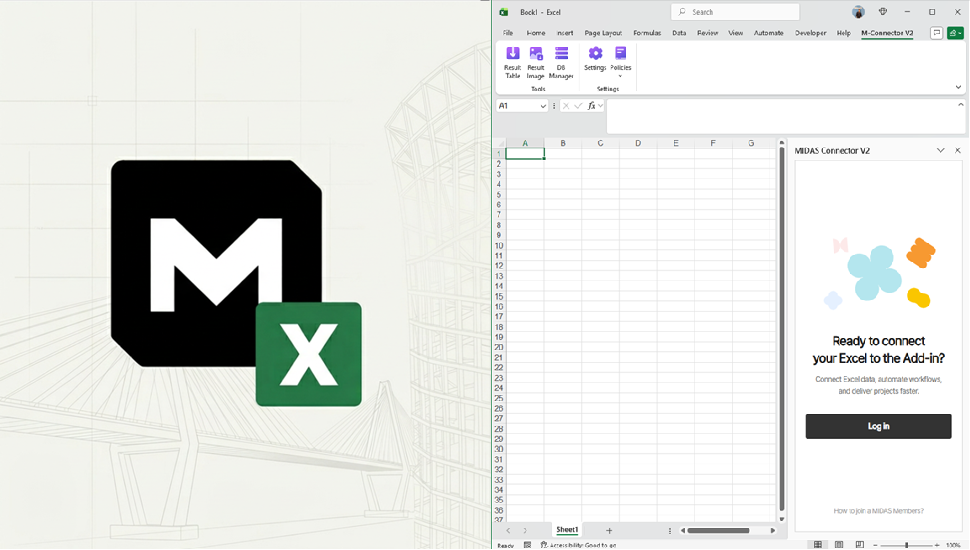
    MIDAS M Connector is an Excel-based integration tool developed by MIDAS IT that enables seamless data exchange between MIDAS NX structural analysis programs and MS Excel. It allows engineers to import model data into Excel, modify or create new data using spreadsheet functions, and export it back to the analysis model through API-based connectivity. By supporting bidirectional data flow, automated result extraction, and table-based model updating, MIDAS Connector significantly reduces manual work, minimizes errors, and enhances productivity in structural design, analysis, and reporting workflows.

    📝 Learning Objectives

    - Understand the core principles of API-driven workflows and software integration

    - Be able to install, configure, and operate M-Connector with midas Civil NX

    - Gain practical experience through real-life use cases and demonstrations

    - Learn how to streamline engineering processes and improve productivity through automation

    - Develop the confidence to independently apply M-Connector in your own projects


    📆 Agenda
    • Part 1
      (5 mins)

      Introduction 1. Overview of the webinar
      2. Industry challenges for design workflow gap and need for integration
      3. Introduction to the MIDAS M-Connector

    • Part 2
      (15 mins)

      Import Functionalities (Example: PSC Composite Bridge) 1. Importing model data into Excel
      2. Manages data tables in Excel through DB Manager

    • Part 3
      (15 mins)

      Export Functionalities (Example: Steel Truss Bridge) 1. Export data from MS Excel back to the MIDAS model
      2. Modify or create new data

    • PART 4
      (10 mins)

      Prerequisites for Result Extraction (Example: Steel Truss Bridge) 1. Import Result Table from MIDAS NX
      2. Data Import & JSON Integration

    • PART 5
      (10 mins)

      Summay with Q&A

    Speaker
    • Pratap Jadhav M. Tech Structural Engineer
      VIT University, Vellore, India

      Has 8+ years of experience in Technical Reviewing and Design Consultation for Building and Bridge Projects.

      Equally conversant with RCC, Prestress, Steel and Composite designs codes such as ACI, Eurocode, BS, Indian codes, etc.

    DATE

    -DATE:

    Thursday, 23 April 2026


    -TIME:

    Check your region!

    OCEANIA  12:30 (AEST)
    SOUTH EAST ASIA  10:30 (HKT/UTC+8) 
    INDIA  15:00 (IST) 
    MIDDLE EAST ASIA  13:30 (GMT+4) 
    EUROPE/AFRICA  13:00 (GMT +1) 
    AMERICA  13:00 (EST) 


    -Platform:

    Gotowebinar

    NOTICE

    - Webinar link will be delivered to your email address upon your given information.

    - If you’re unable to attend, a recording will be available on demand.
    - All attendees will receive the materials used during the webinar.