Webinar
Ongoing Registration In Progress Closed
Automate, Optimize, Accelerate:
Structural Engineering with Python
    09:00 ~ 10:00
Online
Overview

Automate, Optimize, Accelerate: Structural Engineering with Python.


Structural engineers often face repetitive tasks across modeling, analysis, design, and reporting as project requirements change. As complexity and time pressure increase, these manual workflows quickly become a bottleneck.


This session explains why automation is becoming essential in structural engineering and how Python can be practically used to replace repetitive manual work with more efficient and scalable workflows. Participants will see how automation reduces errors, saves time, and improves consistency without changing core engineering judgment.


Using MIDAS CIVIL NX and its API environment, the webinar demonstrates Python integration through both foundational examples and a real-world project case presented by an external industry expert, showing how automation is applied in actual engineering workflows.


👩‍💻 What you will learn 

- Reduce time spent on repetitive modeling, analysis, and reporting tasks

- Minimize manual errors caused by repeated setup and rework

- Understand where automation delivers the biggest impact in real structural engineering workflows

- Apply Python-based automation without changing your existing engineering logic

- Gain hands-on experience using real engineering software, not abstract examples

- Build a practical foundation for scaling automation across future projects

 

email-banner-followup-h100-replay-for landing

Key messages


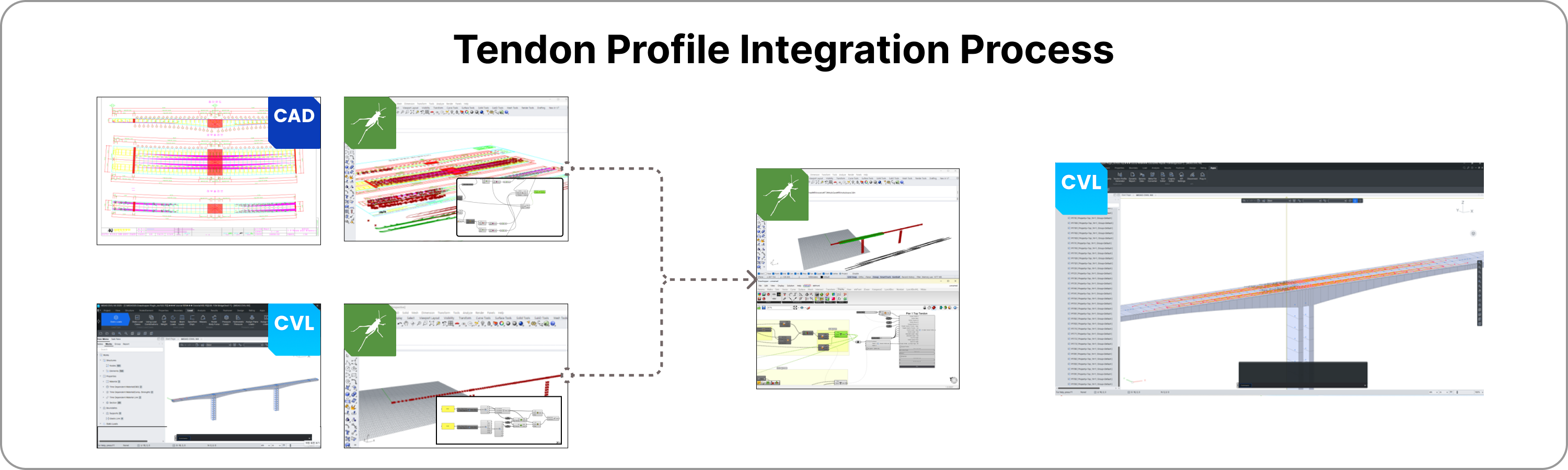
1️⃣ Overcoming the Challenges of Tendon Profile Creation


Key Image 1


Struggling with manual tendon profile input in MIDAS Civil? Learn how to import 2D tendon shapes from CAD into Grasshopper, merge them with CIVIL NX models, and export back to CIVIL NX—eliminating the need for tedious coordinate entry. This solution efficiently addresses the limitations of traditional tendon modeling.


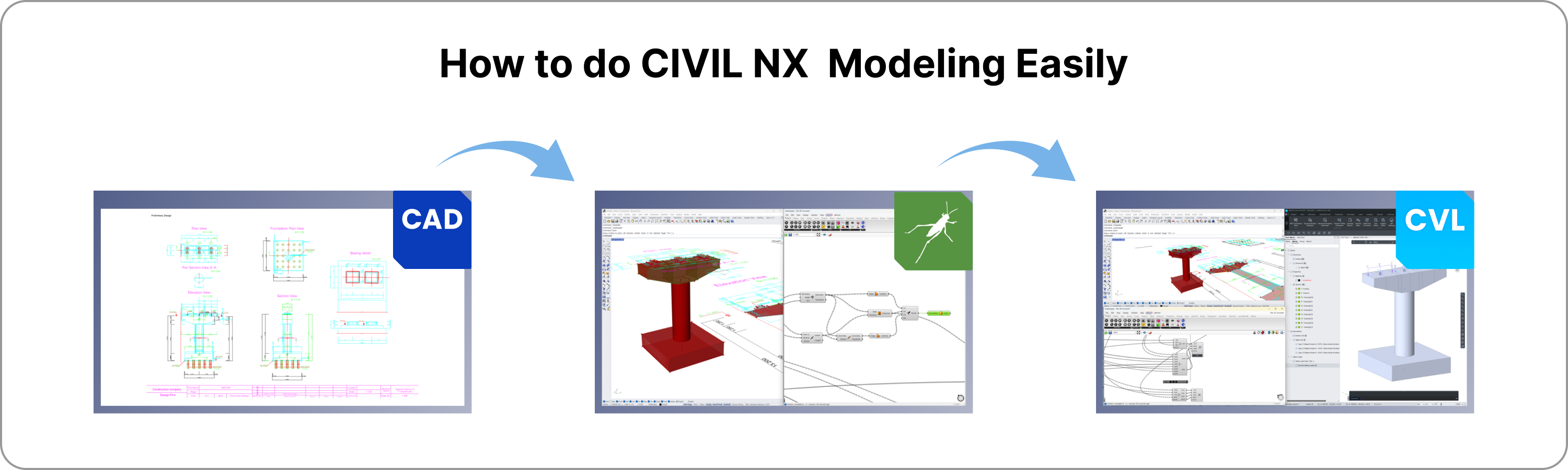
2️⃣ Transforming 2D Drawings into Structural Models


Key Image 2-1


If modeling from scratch feels overwhelming or time-consuming, discover how to import cross-sections from DWG files into Grasshopper and Rhino, build a model efficiently, and export it to CIVIL NX. This approach provides valuable insights on creating models directly from drawings.


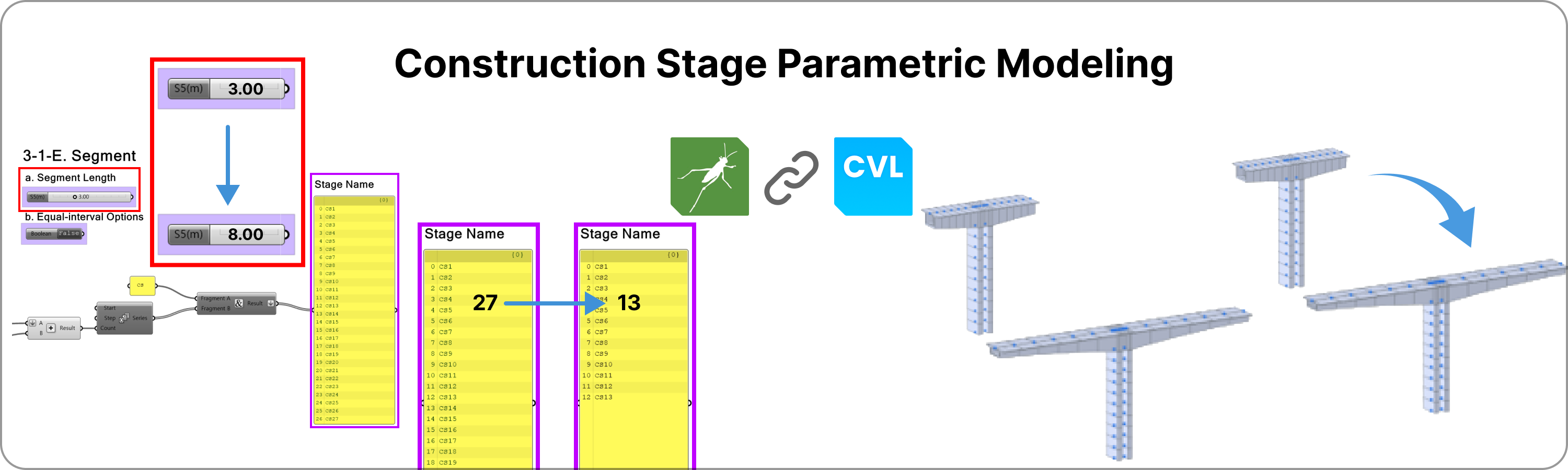
3️⃣ Expanding the Capabilities of Parametric Modeling


Key Image 3-2


Structural models used to be difficult to update once created, but with Grasshopper templates, you can modify and update models with flexibility. Our GH plug-in ensures that CIVIL NX’s most powerful features—Construction Stage Analysis and Moving Load Analysis—remain fully functional and optimized.


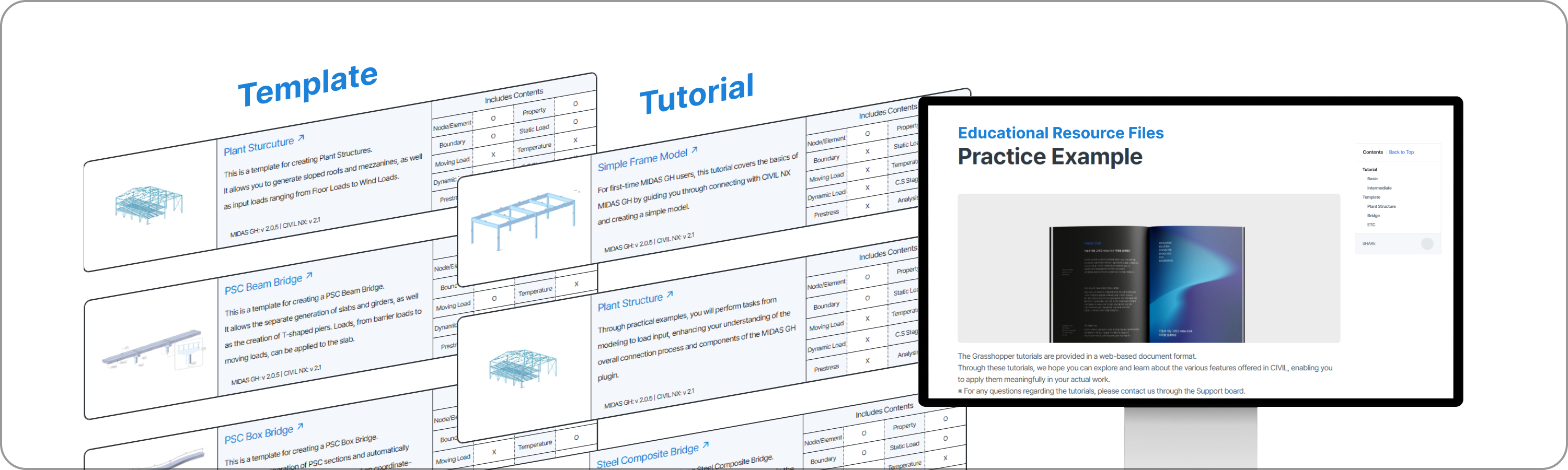
4️⃣ Making GH Plug-in & CIVIL NX More Accessible


Key Image 4-1


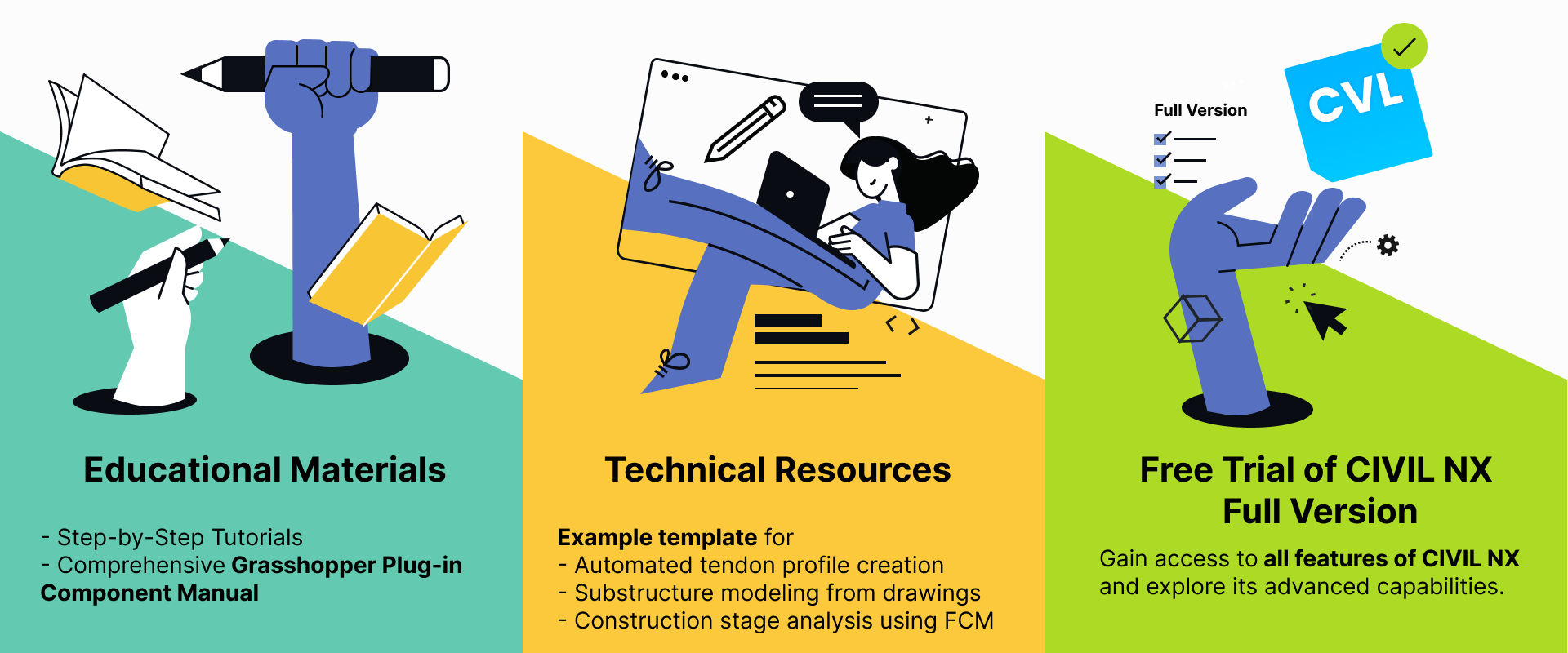
Concerned about the complexity of learning Grasshopper and CIVIL NX? Unlike other software providers, we offer comprehensive manuals, example files, and real-world structural tutorials for each GH plug-in component, making it easy to learn and apply in practice.


5️⃣ Building an Automated Design Workflow


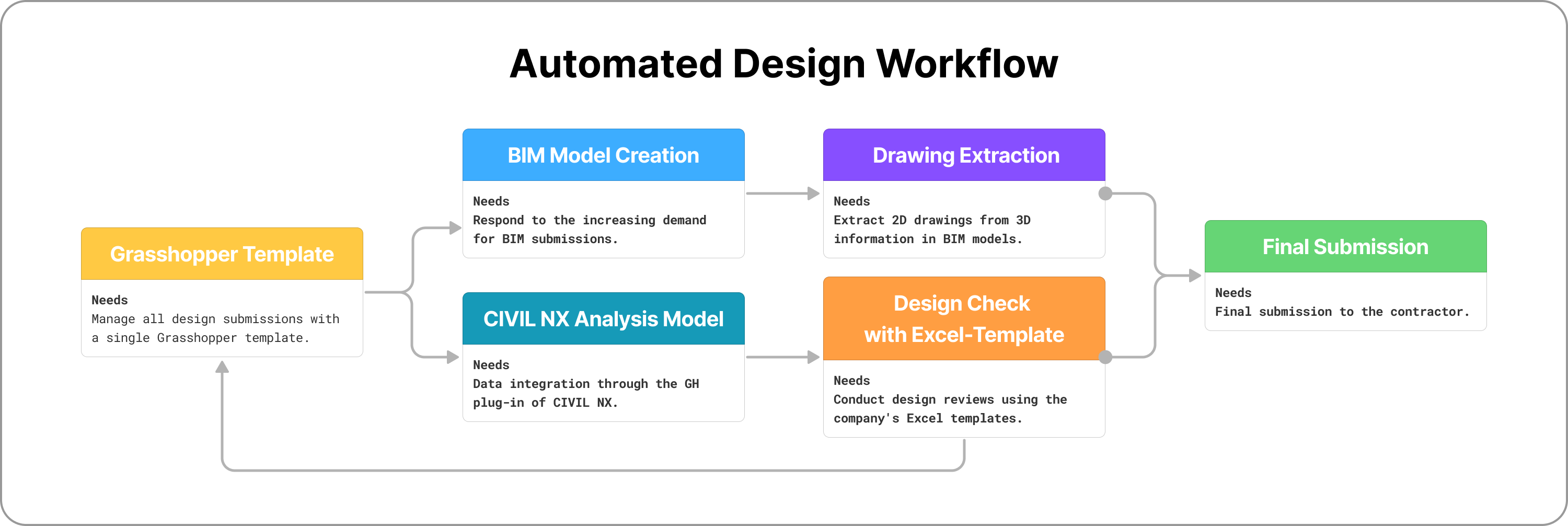
Automated Design Workflow


If you're looking to integrate structural analysis and BIM into a single Grasshopper template, our GH plug-in is developed and maintained directly by MIDASIT to fully support CIVIL NX’s capabilities. Additionally, we are working on post-analysis integration with Excel templates, allowing for end-to-end process automation.

💻 Session Highlights
  • Session 1
    Jan 28, 2026

    Introduction & Foundations ▪️Speaker: Vishal Jagad | Projects Director, MIDAS IT India
    ▪️Key Topics: Transforming Structural Engineering Workflows with Python

    - Overview of automation in structural engineering
    - How Python fits into modeling, analysis, and reporting workflows
    - Mini-assignment to reinforce key concepts through simple hands-on practice

  • Session 2
    Feb 4, 2025

    Real-World Project Case Study - Practical bridge engineering case presented by an external industry expert
    - Guided, step-by-step tutorial based on a real project workflow
    - Apply automation techniques while following an actual engineering scenario

Speaker

Guest Speaker_Connor Kim

Benefit

Benefit 2-Feb-24-2025-08-01-10-8716-AM


email-banner-followup-h100-replay-for landing